TikTok Shop evidence
TikTok Shop claims move fast. Your footage has to move faster.
TikTok Shop's dispute windows are short and the volume is high. The bottleneck is not recording — it is finding the right clip inside 48 hours.
What they ask for
- Order ID binding (scan at pack)
- Footage showing item, quantity and seal
- Weight evidence where the claim is 'empty box'
- Response inside the Seller Center case window
Policy source
Link to the official policy page is added before launch. Until then, verify inside the case form.
How to answer it
- 01Open Seller Center → order → the claim and its countdown.
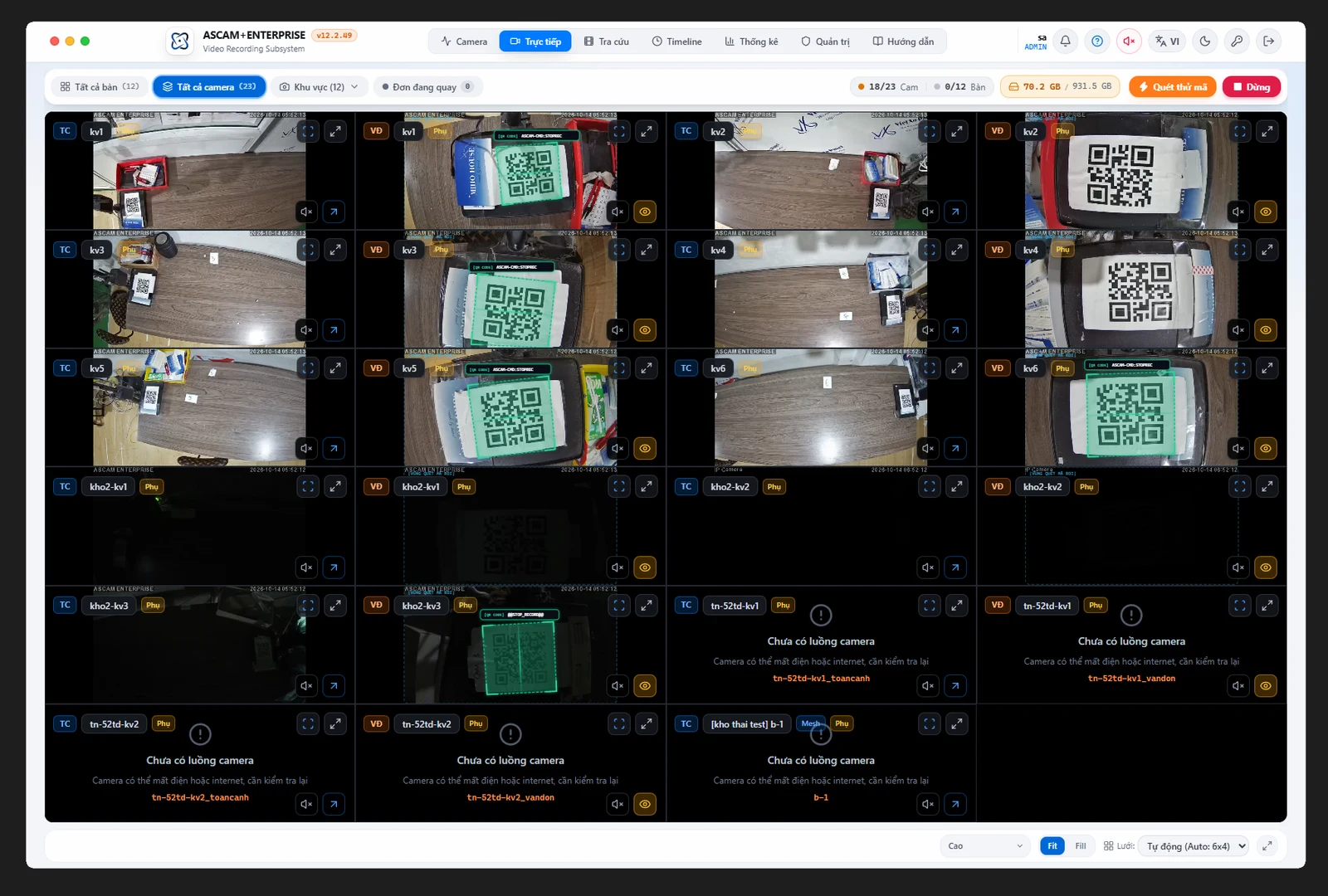
- 02Search the order ID in Evipack — the clip is already trimmed to the pack.
- 03Export the video variant plus 3 stills for the case form.
- 04Submit before the countdown, then archive the pack ID.
Common rejections
Why a good clip still gets refused.
Mistake 01
Searching a shared drive while the clock runs
Mistake 02
Clips without a visible label
Mistake 03
Submitting stills only when the case asked for video
TikTok Shop questions
What sellers ask us.
Have another question? Write to [email protected] — we reply within one business day.
Why is the window so short?
High-volume marketplaces optimise for buyer speed. Treat 48 hours as the planning number, then verify your own seller tier.
Video or photos?
Submit both. Video for the sequence, stills for the reviewer who will not scrub.
Can I bulk-export for many cases?
Yes on Business and above — export by date range with the order IDs in the file names.
Deadlines and formats are indicative and were read from public documentation on 17 November 2026. Confirm inside the case form before relying on them.
Next step
Answer a TikTok Shop claim in under a minute.
Same record, different export. Set up one bench and test it against a real order.